A customizable workspace that looks the way you work
Your Home, your colors, your background.
Three Home styles, widgets you arrange, themes and accent colors, and drawn scenes or your own photos behind the app.
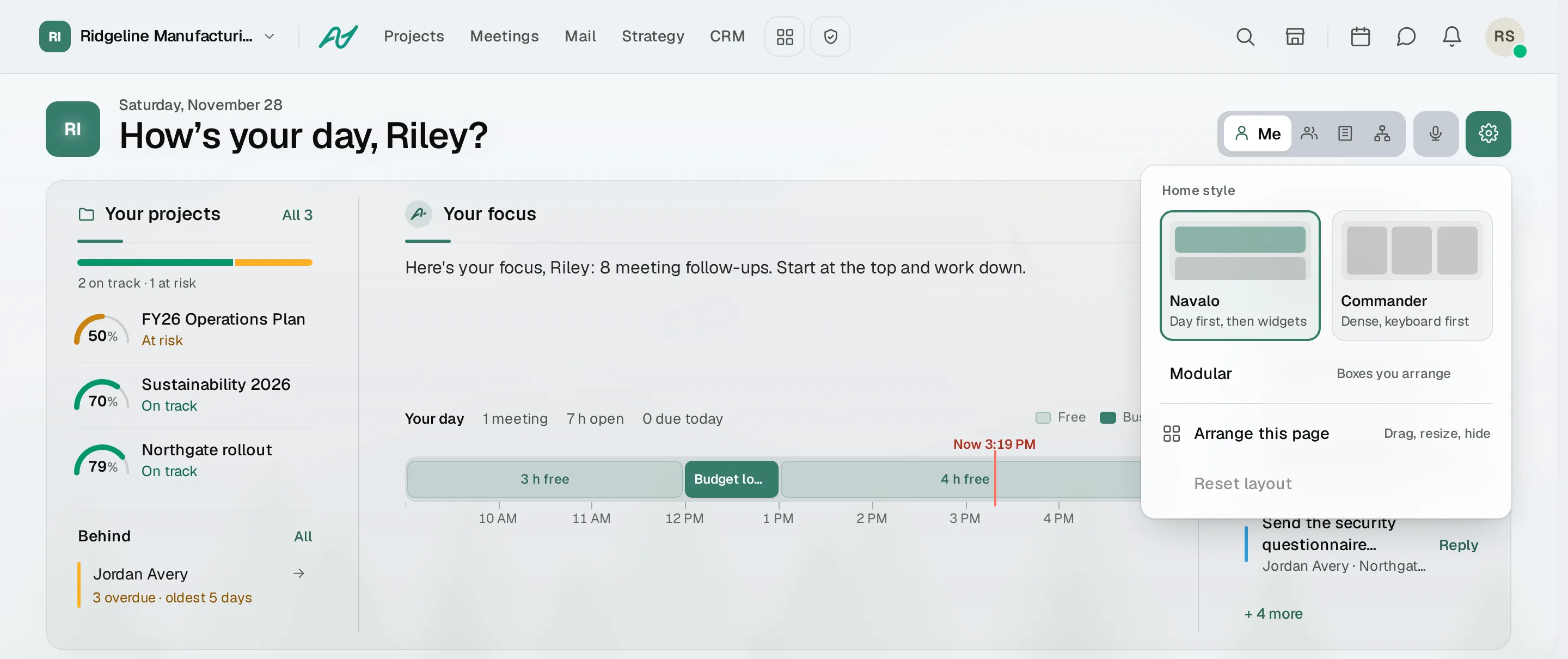
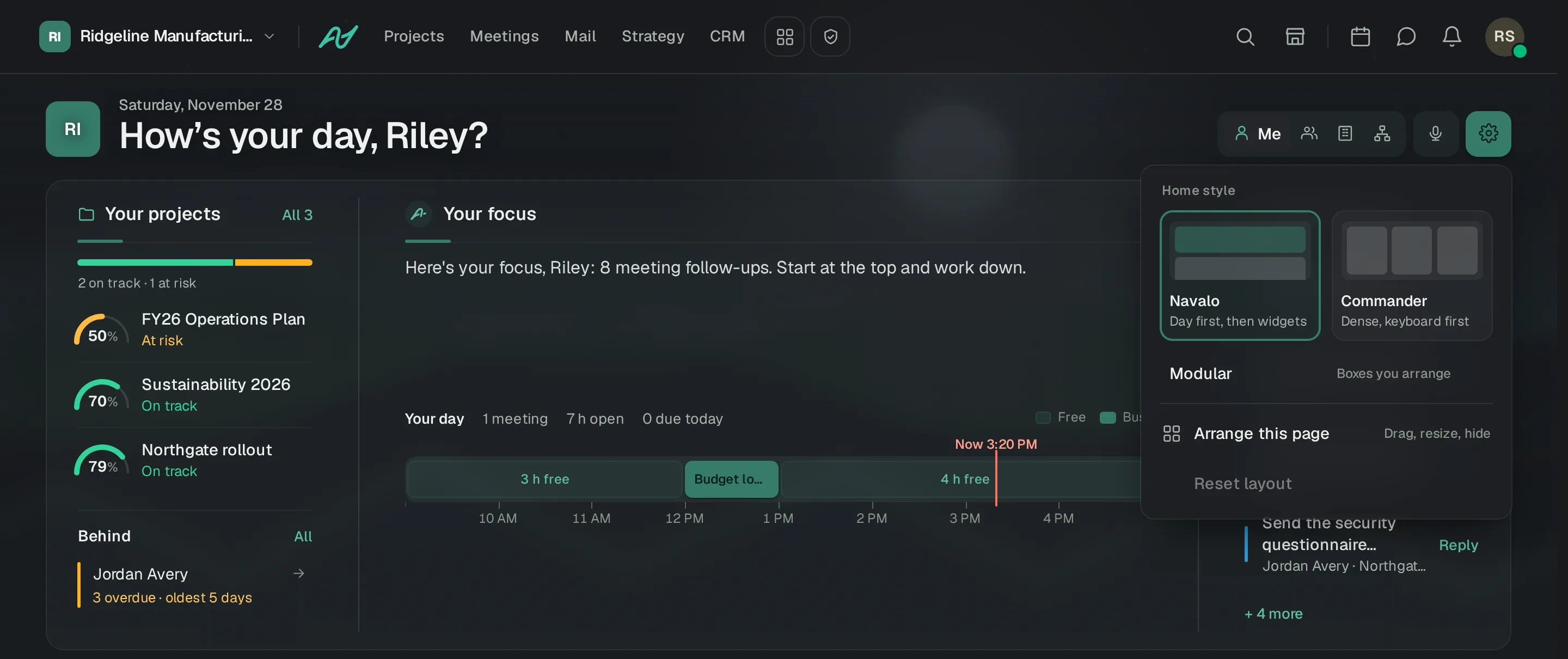
Three Home styles and a wall of backgrounds
Pick the Home that fits how you work, then put a drawn scene, a quiet wash or your own photo behind it. Hover a scene to see it move.
- NavaloDay first, then widgets
- CommanderDense, keyboard first
- ModularBoxes you arrange
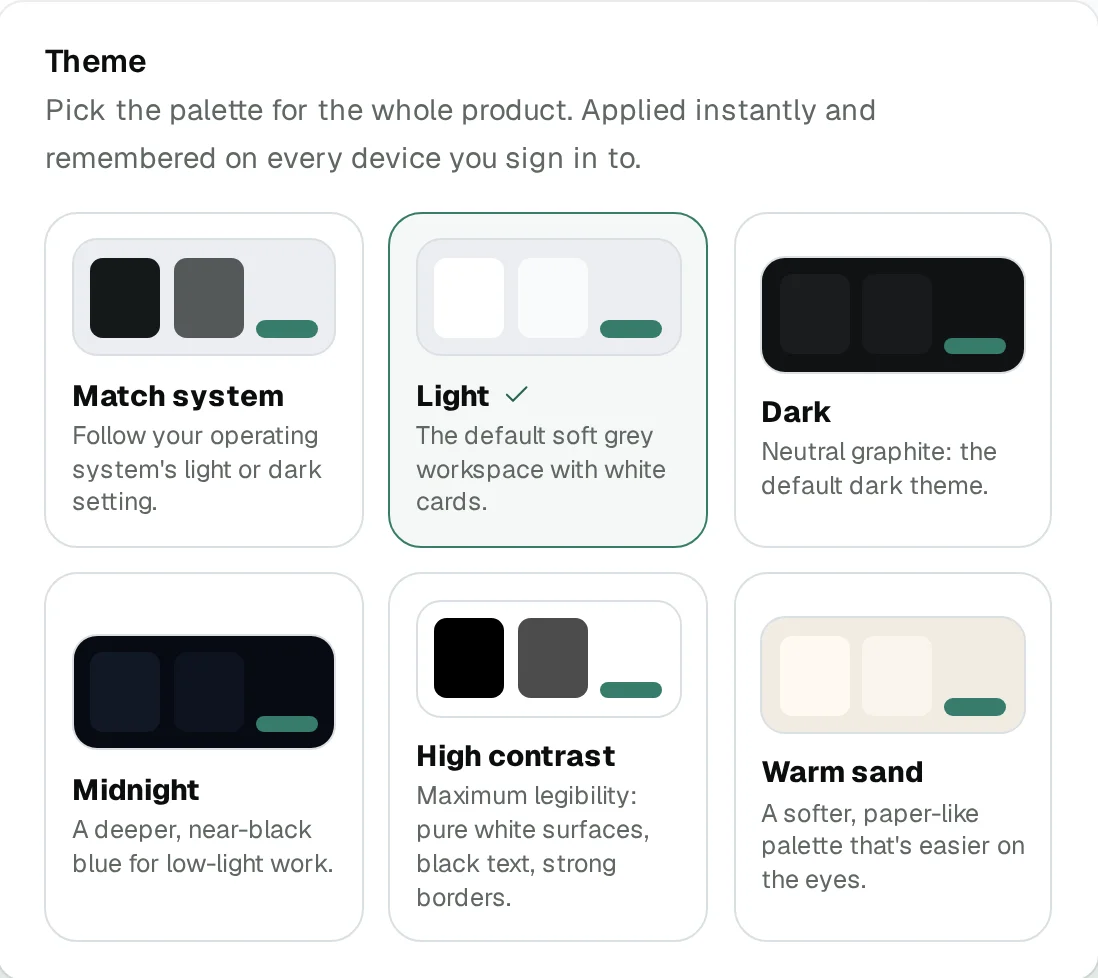
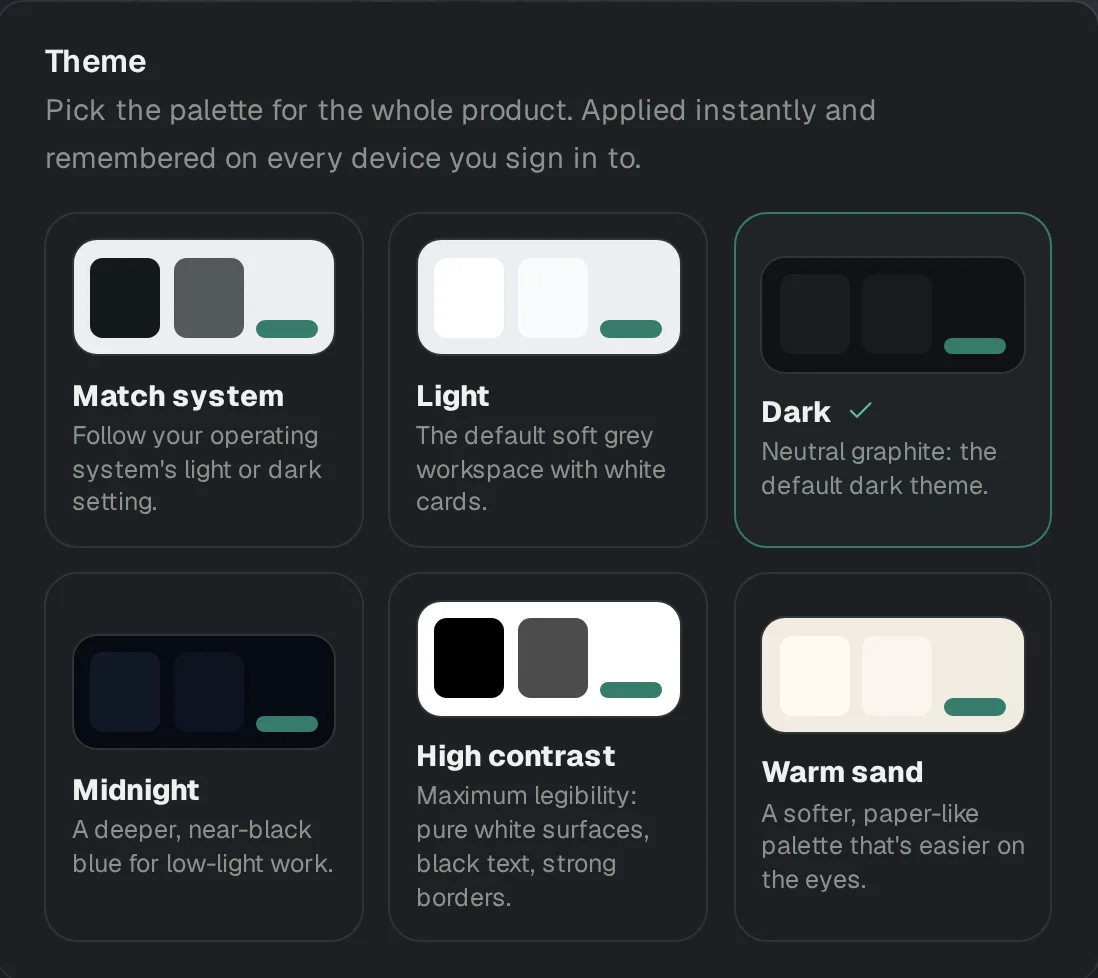
Themes
- Light
- Dark
- Midnight
- High contrast
- Warm sand
Accent colors
- Emerald
- Violet
- Sky
- Rose
- Bronze
- Lime
- Pines
- Dunes
- Glacier
- Starlight
- Breakers
- Autumn park
- City lights
- Meadow
Open the app to a page that is yours
Home and the look of the app are each person's own, so nobody has to work in a layout built for someone else.
The Home that fits your day
Day first, dense and keyboard first, or classic boxes. Switch styles in two clicks.
Widgets where you want them
Drag, resize and hide the boxes on Home, and keep only the ones you use.
A background you like looking at
Drawn scenes, quiet washes or your own photo, with text that stays readable on top.
Customize your workspace in three steps
Everything is in two places: Home's own menu and Settings, Appearance.
Pick a Home style
Open the menu on Home and choose Navalo, Commander or Modular.
Arrange the page
Press Arrange this page, then drag, resize and hide boxes until it fits.
Set the look
In Settings, Appearance, choose a theme, an accent color, a background and how navigation sits.
Your look, and your workspace's.
Your own look sits beside the workspace's branding, dashboards and the desktop app.
- Your brandingYour logo, colors and background on the pages guests and clients see, set once for the workspace.
- Charts & dashboardsPin a chart drawn from your own rows to a dashboard and keep the numbers you watch in one place.
- Desktop appThe same theme, background and Home in the desktop app, beside native notifications.
Workspace customization pricing: what each plan includes
| Free$0up to 5 people | Team$14per seat / mo | Business$28per seat / mo | EnterpriseCustomarranged with sales | |
|---|---|---|---|---|
| Home styles, widgets, themes, fonts, density and navigationEach person's own choice, on every plan. | ||||
| Your own accent colorPick one of six accents for your view of the app. | Not included | |||
| Backgrounds and screensaver photosDrawn scenes or your own pictures behind the app. | Not included | Not included |
Every new workspace starts with a free trial of Business. No card needed.
See pricingCustomizable workspace FAQ
Can each person have their own Home?
Yes. The Home style, the widgets and how they are arranged are saved to each person's account, so two people in the same workspace can open very different Homes.
What backgrounds can I use?
Drawn scenes such as pines, dunes, a glacier or a night sky, some of them gently moving, quieter washes like Soft paper and Ink, or a picture you upload.
Does a moving background slow the app down?
Scenes move only with composited transforms, pause when the tab is in the background, and stay still for anyone who has asked their device for reduced motion.
Make Home yours.
Pick a Home style, arrange the widgets you use, and put a scene you like behind the work.
Free to start · No credit card required