Video conferencing software where you can ask Ava during the call
Navalo is video conferencing software built into the same workspace as your projects and chat. Call anyone on your team, send outside guests a link, and let Ava take the notes, so the call ends with tasks on the right board.
Built-in video calls and voice rooms
Navalo has its own video calls, voice rooms and team chat, so your team can meet and talk without a separate meeting app.
- Start a call from any channel or direct message. The call comes with you as you move around the app, with mute, camera, screen share and leave in a floating dock.
- Voice rooms are channels you walk into, for the quick talk that does not need a meeting.
- Share a screen or a window; everyone sees a banner naming who is sharing and what kind of surface it is.
- Push-to-talk or voice activity, a volume slider for each person, and a ring that lights while someone speaks.
Guests join by link with no account
Send a link and outside guests join the call from their browser. They do not need a Navalo account, and they wait in a lobby until a host lets them in.
- Before joining, a guest picks a microphone, speaker and camera and can see a preview. Nothing turns on by itself.
- Ask me before letting people in is on by default for a link anyone can use, and a host presses Let in.
- A link can stop working after a set time or a number of uses, and you can turn it off at any time.
Meeting
Quarterly review
Your name
Sam Okoro
The host sees your name and lets you in.
Powered by Navalo
Online meeting software that writes the notes
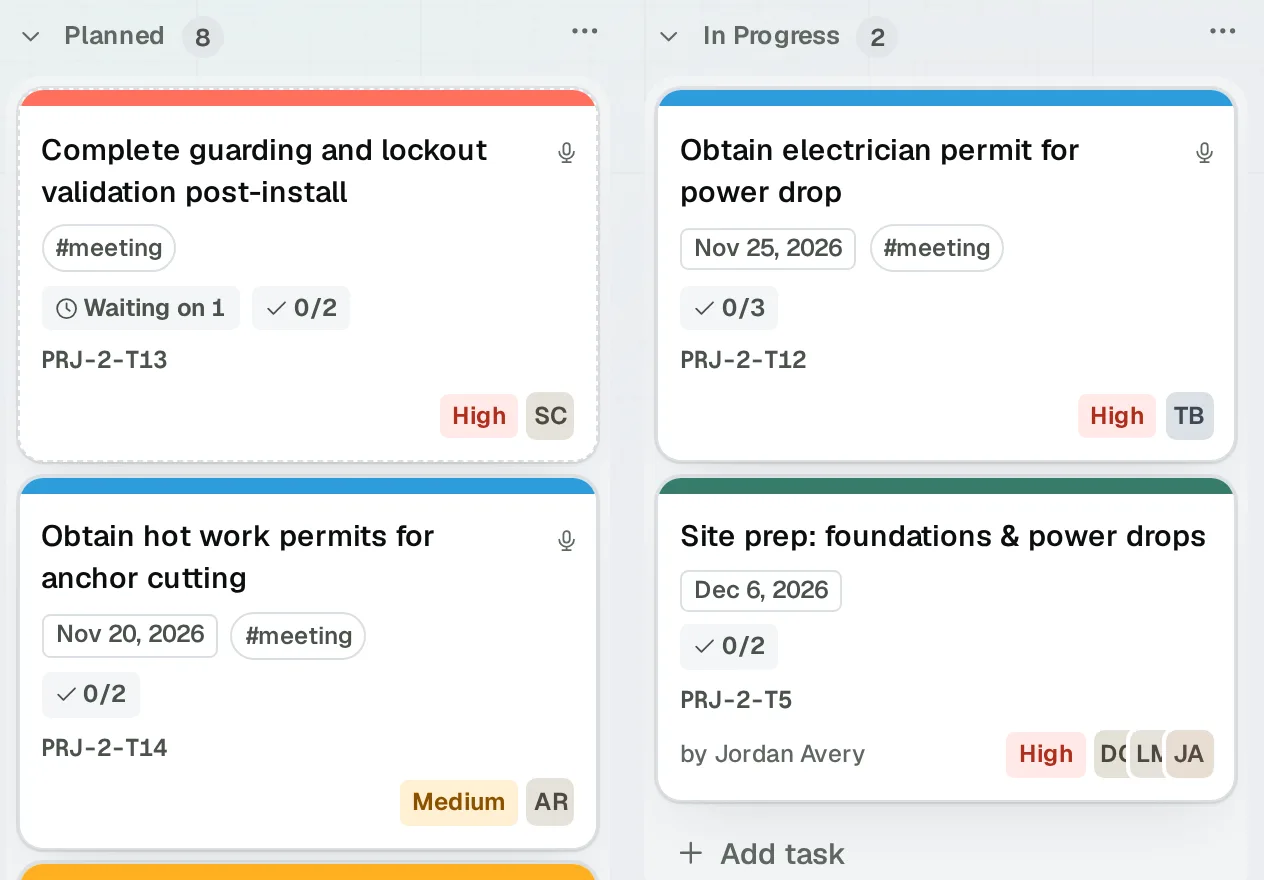
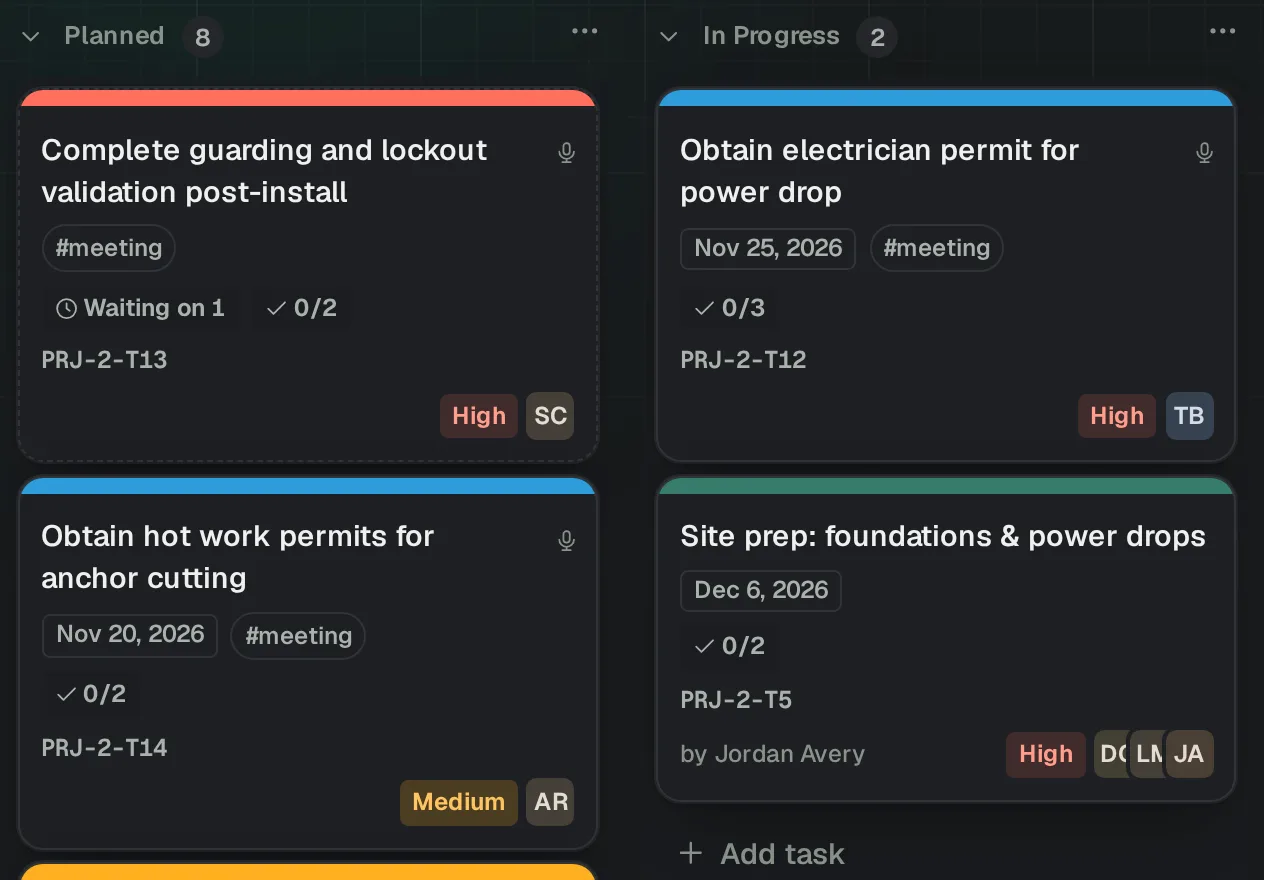
Invite the note taker into a Navalo call and it records, transcribes and files the summary and action items on the right project. Each action item becomes a task with an owner and a date.
The note taker shows what it is collecting in a panel beside the call, and a banner names it for everyone while it is there. Calls in Navalo show a REC indicator.
See meeting notes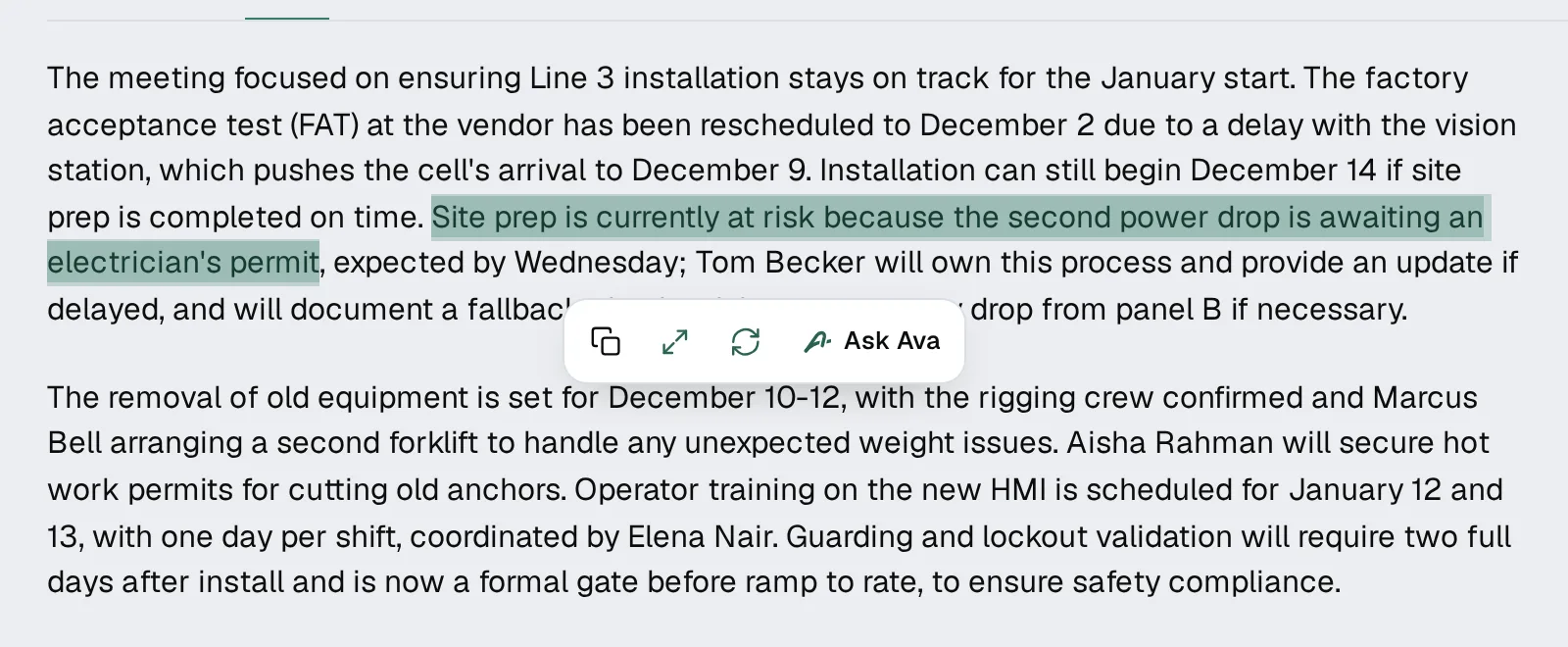
Ask Ava during the call
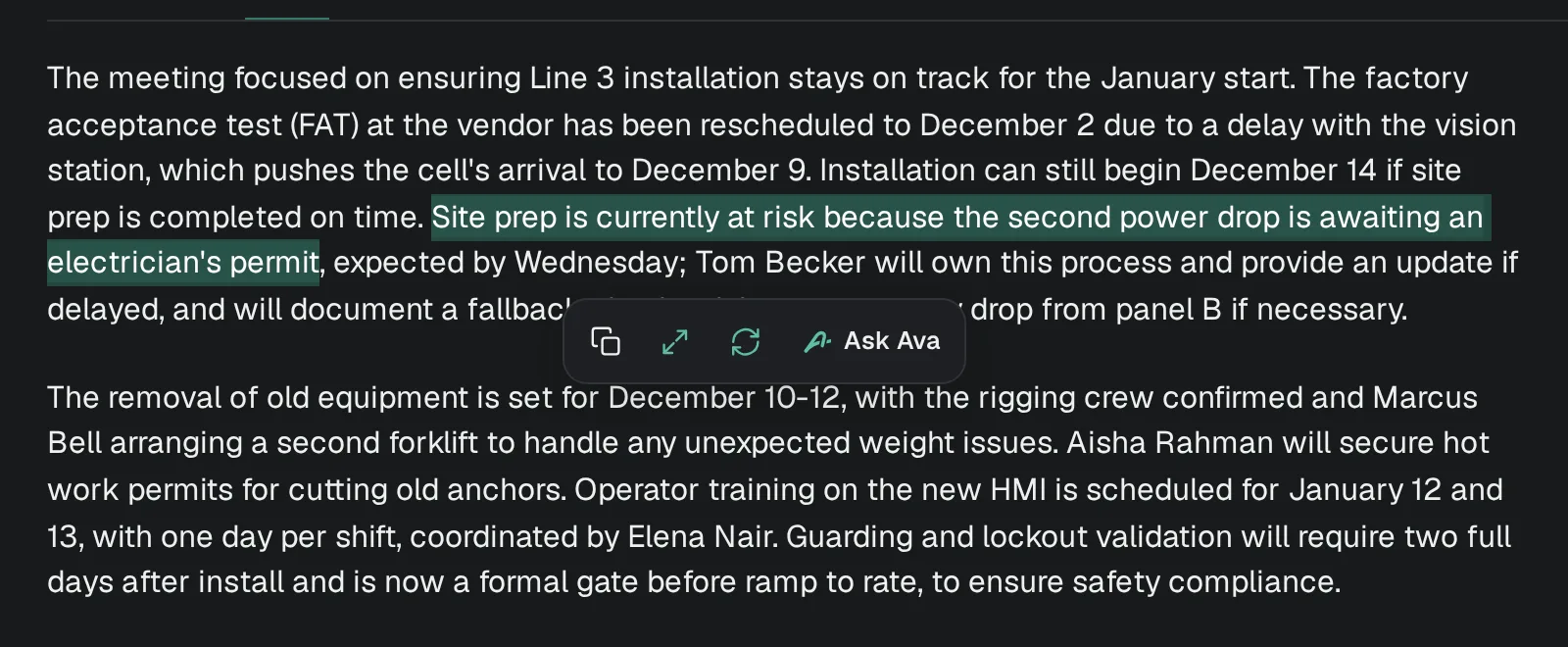
In a Navalo call, say Ava and ask. She answers on the shared Stage and in the meeting chat.
- Present: she puts a deck, document, spreadsheet or chart on screen for everyone allowed to see it, and the presenter drives it by button or by voice.
- Create: she builds a one-page summary or a deck from a spreadsheet, presents it and saves it to the project.
- Translate: say Ava, translate live, and what each person says appears under the faces in each viewer's language, from the 10 languages Navalo is available in.
- Act: changes she makes, such as marking a task done or moving a date, wait for someone with authority to confirm them, with Undo.
Asking Ava, presenting and live translation are on the Team plan and use AI credit. Note taking is on every plan. Ava works live only in Navalo calls; in Zoom, Google Meet and Teams she records and writes the notes.
"Ava, show spend against budget for Beckett Street."
Ava, on the Stage
Spend against budget, by month
Shown to the people in the call who may see the project's money.
Calls are encrypted on every plan
Audio, video and screen shares travel between the people's browsers with DTLS-SRTP. When a direct path fails, Navalo's own relay forwards packets it cannot read, and the lock in the call shows the state live.
When the note taker is in a call, it is a participant that hears the call, and a banner says so for as long as it is there. For teams that want rooms with no AI and no recording, Navalo Secure adds locked-down rooms set up with your organization.
Video conferencing pricing: what each plan includes
| Free$0up to 5 people | Team$14per seat / mo | Business$28per seat / mo | EnterpriseCustomarranged with sales | |
|---|---|---|---|---|
| Audio calls, voice rooms, team chat and screen sharing | ||||
| Guests join by link with no accountWaiting in a lobby until a host lets them in. | ||||
| The note taker in your callsCounts toward the plan's meetings and minutes. | ||||
| Video in callsAudio and screen sharing are on every plan. | Not included | |||
| Ask Ava, presenting and live translation in callsUses your workspace's AI credit. | Not included | |||
| Calls with people in a connected partner organization | Not included | Not included |
Every new workspace starts with a free trial of Business. No card needed.
See pricingVideo conferencing software FAQ
Do guests need an account to join a call?
No. Send a link and guests join from their browser. On a link anyone can use, they wait in a lobby until a host presses Let in, and the link can stop working after a set time or number of uses.
Can I ask Ava questions during the call?
Yes, in Navalo's own calls on the Team plan, using AI credit. Say Ava and ask, type @Ava in the meeting chat, or press Ask Ava. In Zoom, Google Meet and Teams, Ava records and writes the notes.
Hold your next call in Navalo, free for small teams.
Free for up to 5 people.
Every workspace starts with 14 days of the full Business plan, no card. Then keep the free plan as long as you like.